No-code Augmented Reality

Augment your Artworks

Turn any image, artwork, or product into a living AR experience - no app, no code, in minutes.

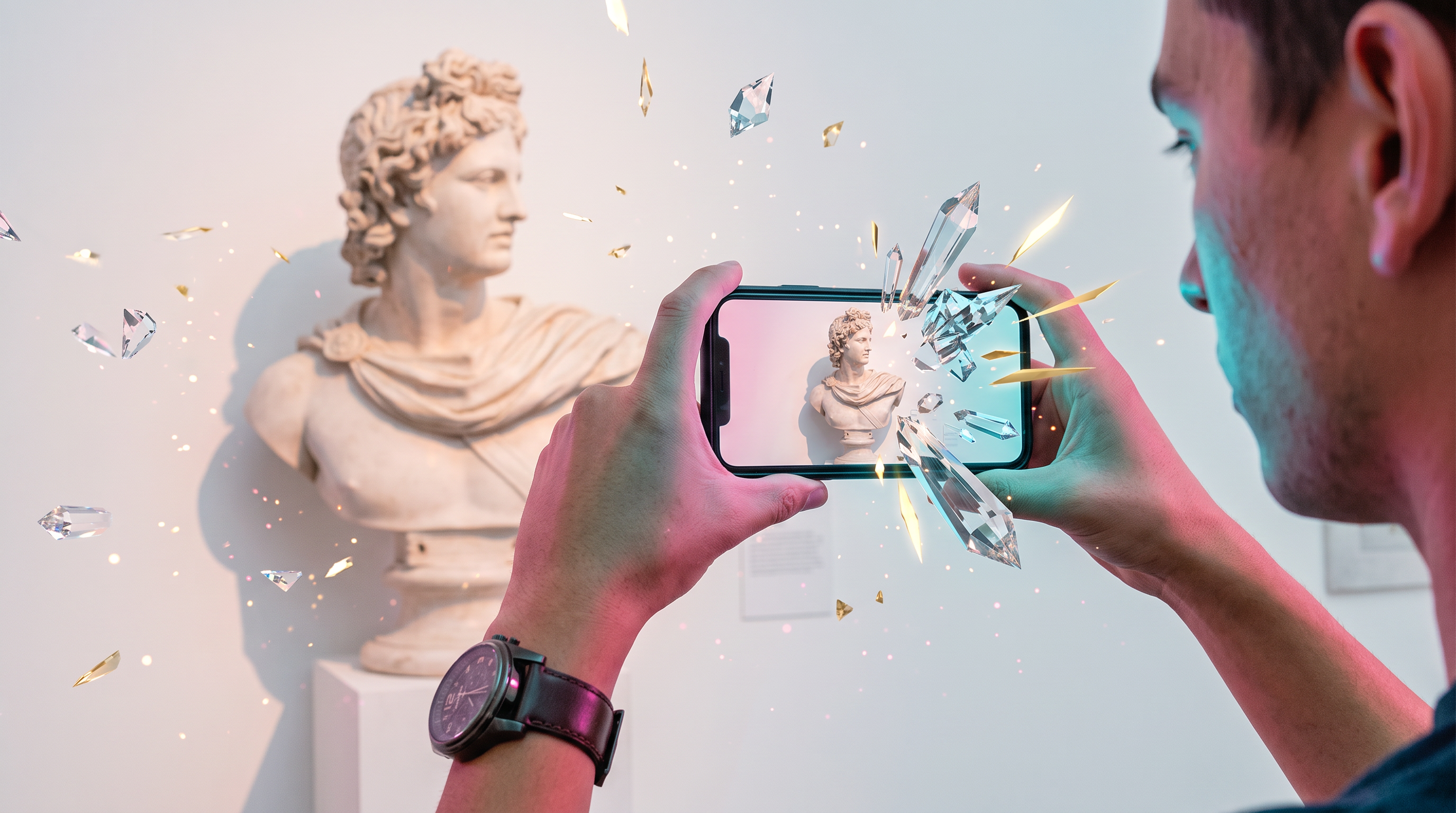
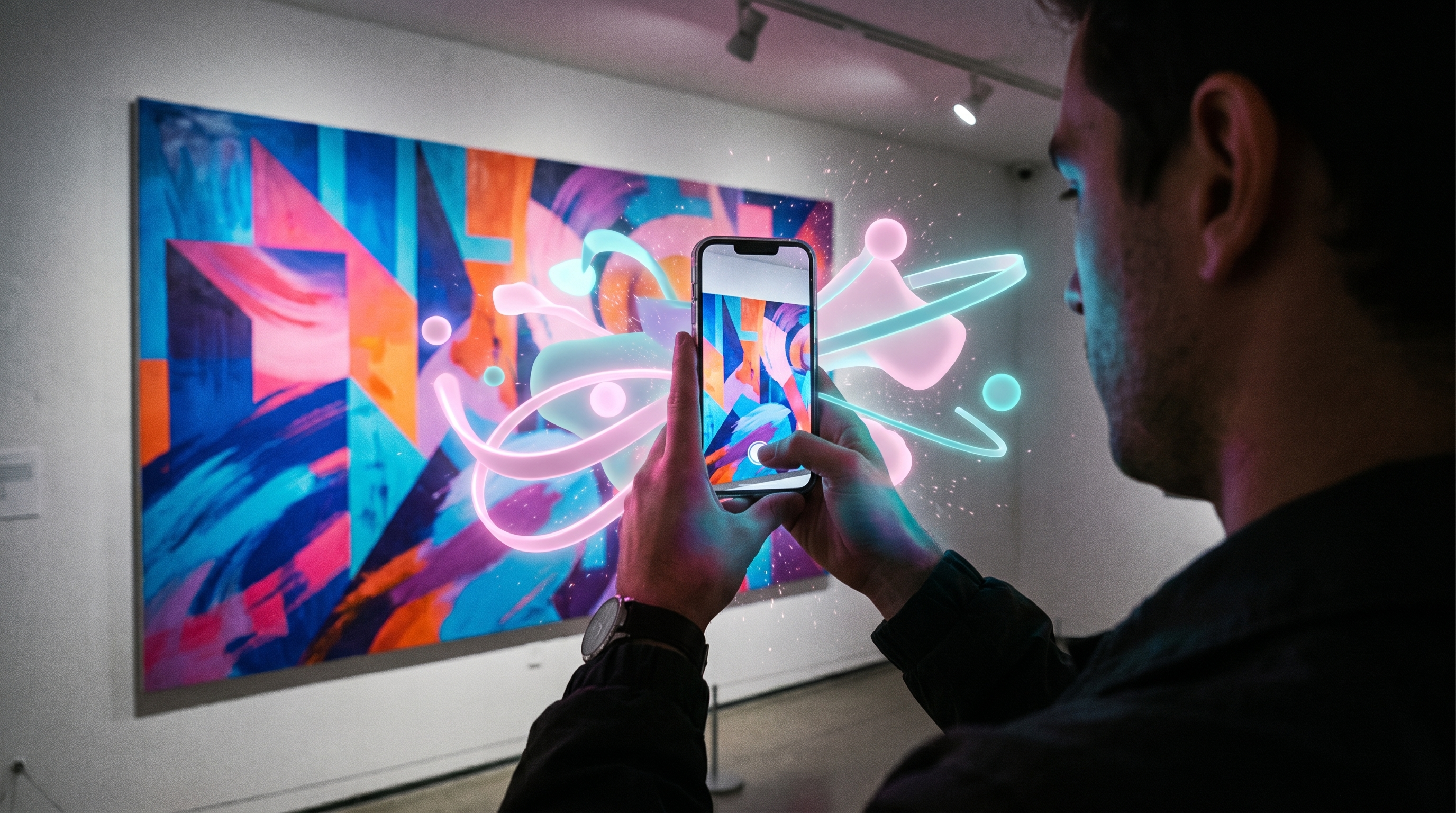
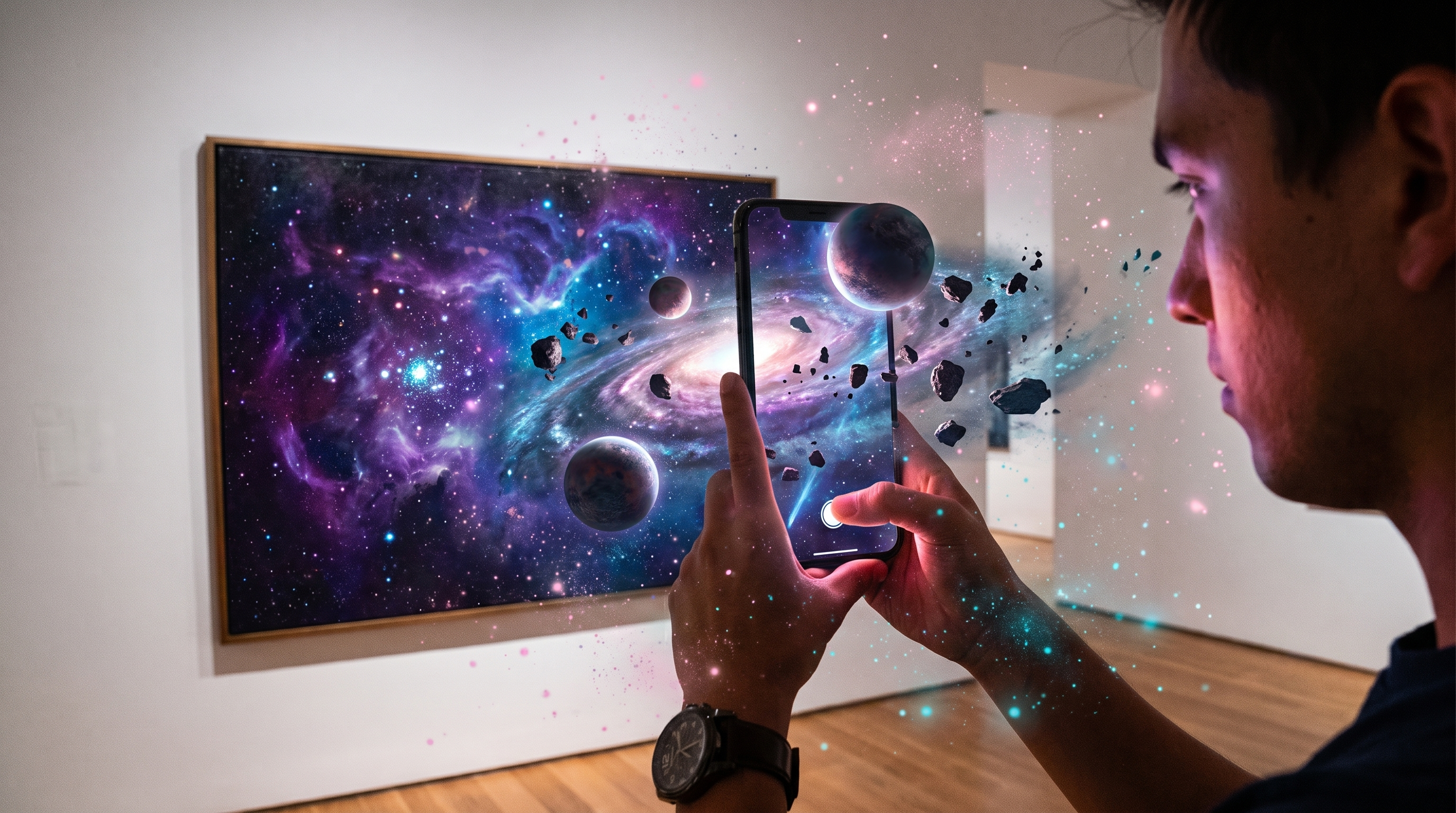
A phone showing an artwork coming to life in augmented reality
Live demo

Try it yourself, right now

Point your phone at this artwork and watch it come to life.

AR-enabled An artwork enabled with Artivive augmented reality
QR code to scan the AR artwork Scan with your phone camera - no app needed

Trusted by Harvard, MIT, UC Berkeley and more

700K+ creatives 190+ countries 4M+ AR artworks 300+ universities
Microsoft Airbus United Nations WWF Albertina Belvedere Centre Pompidou Hard Rock Cafe Desigual Absolut Vodka Jameson Westfield Group City of Toronto Bayerische Staatsoper Expo 2020 Dubai Expo 2025 Osaka
What is Artivive

The no-code platform that brings
the physical world to life

Artivive is a no-code augmented reality (AR) platform that turns static images, artworks and products into living, interactive experiences. Founded in Vienna, it is used by more than 700,000 creatives, 200+ museums, 300+ universities and 150+ brands across 190+ countries.

Upload an image, add video, 3D, audio and animation in the drag-and-drop Bridge editor, and share it as WebAR through a simple QR code or link - no app, no code, ready in minutes.

Who it's for

One platform, made for you

Creatives

Bring your art to life and grow your audience.

  • Drag-and-drop Bridge editor
  • Showcase & sell in the marketplace
  • Join 700K+ creators worldwide
Explore

Education

AR for the classroom and campus. 300+ universities, 50% education bundle.

  • Curriculum-ready workshops
  • Student & faculty licenses
  • Trusted by Harvard, MIT, UC Berkeley
Explore

Business & Agencies

Campaigns that move, at any scale.

  • No-app WebAR activations
  • White-label & custom experiences
  • Analytics and engagement tracking
Explore
The workflow

How Artivive works

Uploading an image
1

Upload your image

Add the artwork or photo that triggers your AR.

Adding AR layers in the editor
2

Add your AR layers

Drop in video, 3D, audio and animation in the editor.

Publishing and sharing the AR experience
3

Publish & share

Share a QR code or link - viewers scan and it comes alive.

Ready to make your work move?